Radio and PodcastRadio and PodcastLive Radio & Podcasts
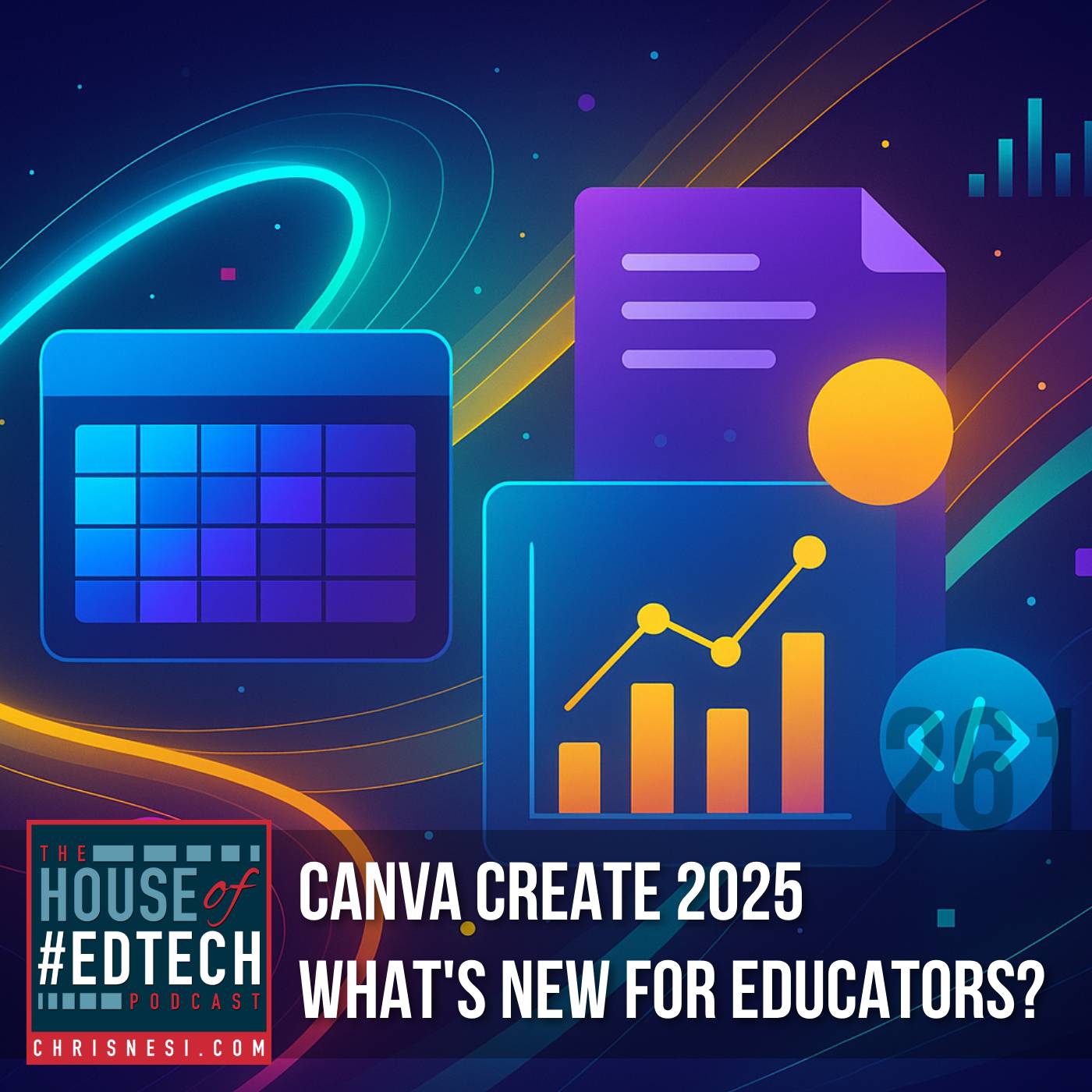
Canva Create 2025 - What's New for Educators? - HoET261 artwork
Education

Canva Create 2025 - What's New for Educators? - HoET261

House of #EdTech by Christopher J. Nesi

Apr 11, 202554:31Education

In this exciting crossover episode, Chris Nesi teams up with Leena Marie Saleh (The EdTech Guru) for a detailed look into Canva's latest educational innovations unveiled during Canva Create 2025 . Whether you're a teache...

About This Episode

Canva Create 2025 - What's New for Educators? - HoET261 is an episode from House of #EdTech by Christopher J. Nesi. In this exciting crossover episode, Chris Nesi teams up with Leena Marie Saleh (The EdTech Guru) for a detailed look into Ca...

Podcast

This episode belongs to House of #EdTech.

Listen Online

Use the player on this page to stream the episode online.

Episode Details

Published Apr 11, 2025, 54:31 long, audio available.

Questions About This Episode

What is Canva Create 2025 - What's New for Educators? - HoET261 about?

In this exciting crossover episode, Chris Nesi teams up with Leena Marie Saleh (The EdTech Guru) for a detailed look into Canva's latest educational innovations unveiled during Canva Create 2025 . Whether you're a teacher, instructional coach, or tech integrator, this episode is packed with transformative features and real classroom applications. Featured Topic: Canva Create 2025 Key Themes and Highlights: Canva Sheets: The Spreadsheet Reimagined A powerful new addition to the Canva suite—Canva Sheets brings AI-infused, visually pleasing spreadsheets to the classroom. Bulk Background Remover: Easily remove backgrounds from dozens of student photos at once. Bulk Create with Images: Mass-produce certificates, report cards, or newsletters by integrating images directly into your sheet. Magic AI Prompts: Skip the formulas—just describe your needs and let AI do the rest (e.g., calculating budgets, charting grades). Magic Insights: Auto-generate graphs, summaries, or positive student comments—great for data storytelling or end-of-year celebrations. Student Access: Available to students in districts where Canva's Magic tools are enabled. The All-in-One Visual Suite Create multi-modal projects within a single file: combine slides, spreadsheets, videos, documents, and websites. Use Case: Teachers can build unit plans with rubrics, grading sheets, lesson videos, and linked resources—all in one shareable design. Student Application: Portfolios that blend writing, multimedia, assessments, and visual elements in a single file. Canva Code No coding experience needed! Generate interactive HTML-based tools like: Flashcard games Vocabulary matching activities Countdown timers Use Cases: Do-Nows & Exit Tickets Interactive experiences (e.g., virtual art exhibits) Includes real-time code editing via voice or chat and seamless integration into other Canva designs. Voiceover and Text-to-Speech Enhancements Record true voiceovers directly in Canva—no more video workarounds. Use AI-generated voices to read text aloud in different accents and languages (e.g., Spanish voice packs Alejandra and Sofia). Ideal for student presentations, podcasts, and accessibility support. AI-Powered Speaker Notes Auto-generate speaking points from your presentation slides. Great for prepping lessons, webinars, or class presentations on the fly. Assignments Hub Instantly generate quizzes from highlighted text in a lesson or document. New classwork dashboard allows for real-time monitoring of student progress (especially for educators without an LMS like Google Classroom). Scrollables (a.k.a. Scrollytelling) Create animated, interactive timelines or diagrams that engage students through scroll-triggered movement and transitions. 🎯 Example: A digestive system walkthrough or a historical timeline using scroll-based animations. Additional Features Mentioned Superscript & Subscript support (finally!) Rich text highlighting in Docs Caption animations Volume balancing for videos Banner placement across all pages Enhanced collaboration (up to 50 collaborators per design)

Where can I listen to Canva Create 2025 - What's New for Educators? - HoET261?

You can listen to Canva Create 2025 - What's New for Educators? - HoET261 online on Radio and Podcast. Open the player on this page to stream the available audio.

Which podcast is Canva Create 2025 - What's New for Educators? - HoET261 from?

Canva Create 2025 - What's New for Educators? - HoET261 is an episode from House of #EdTech by Christopher J. Nesi.

How long is this episode?

This episode is 54:31 long.

When was this episode published?

This episode was published on Apr 11, 2025.

Can I save Canva Create 2025 - What's New for Educators? - HoET261 for later?

Yes. Use the heart button on the episode page to add it to your favorite episodes list.

Are there related episodes from House of #EdTech?

Yes. This page shows related episodes from House of #EdTech when more episodes are available from the podcast feed.

Quick Answers About This Episode

Where can I listen to Canva Create 2025 - What's New for Educators? - HoET261?

You can listen to Canva Create 2025 - What's New for Educators? - HoET261 on this page when the episode audio is available from the podcast feed.

Which podcast is this episode from?

Canva Create 2025 - What's New for Educators? - HoET261 is from House of #EdTech by Christopher J. Nesi.

What are the episode details?

Published Apr 11, 2025 and 54:31 long